A dismantling operation creates information at every step: a vehicle arrives, parts are recovered, condition is assessed, stock is labelled and stored, listings are prepared, orders are dispatched and returns or costs need to be followed up. The value of the record is not the amount of data collected. It is whether a team member can trace the right item and understand what has happened without relying on memory.
This checklist sets out a practical record structure for vehicle dismantlers and used-parts teams. It is not a legal record-keeping specification and it does not replace environmental, DVLA, tax or product-safety requirements. Build the operational record around the authorisations and procedures that apply to your business.
1. Start with one identifiable vehicle or job record
Create the vehicle or job record before parts begin to move. Use a stable internal reference and record the identifiers and source information your authorised process requires. Depending on the job, that may include the registration mark, VIN, make, model, derivative, year, fuel type, arrival date and supplier or purchase reference.
Keep regulatory events and internal workflow statuses distinct. A label such as “received”, “awaiting depollution”, “in dismantling” or “complete” can help the team understand the work queue, but it must not be presented as evidence that a statutory process has been completed.
2. Give every recovered part its own stable identity
A description such as “Ford headlamp” is not enough when several similar items sit on the same shelf. Assign a stable SKU or stock number to each saleable unit or controlled batch. Connect it to the donor vehicle or source record and capture the strongest available identifiers:
- Internal SKU or stock number
- Manufacturer part number, OEM reference, casting number or other visible identifier
- Plain-language part name, side and position
- Quantity, especially where stock is rare or single-quantity
- Included accessories, plugs, modules, brackets or fixings
- Date recovered and the person or workstation that created the record
Do not substitute an online listing title for the underlying record. Listings can change for channel or customer needs; the internal identity should remain stable enough to trace the physical item.
3. Use a label or QR code to retrieve the record
Place a readable label on the part or its packaging and include the agreed SKU. A QR code can provide a fast route to the digital record when parts move between dismantling, checking, photography, shelving and packing. Keep a human-readable reference beside it so work does not stop when a label is damaged or a scanner is unavailable.
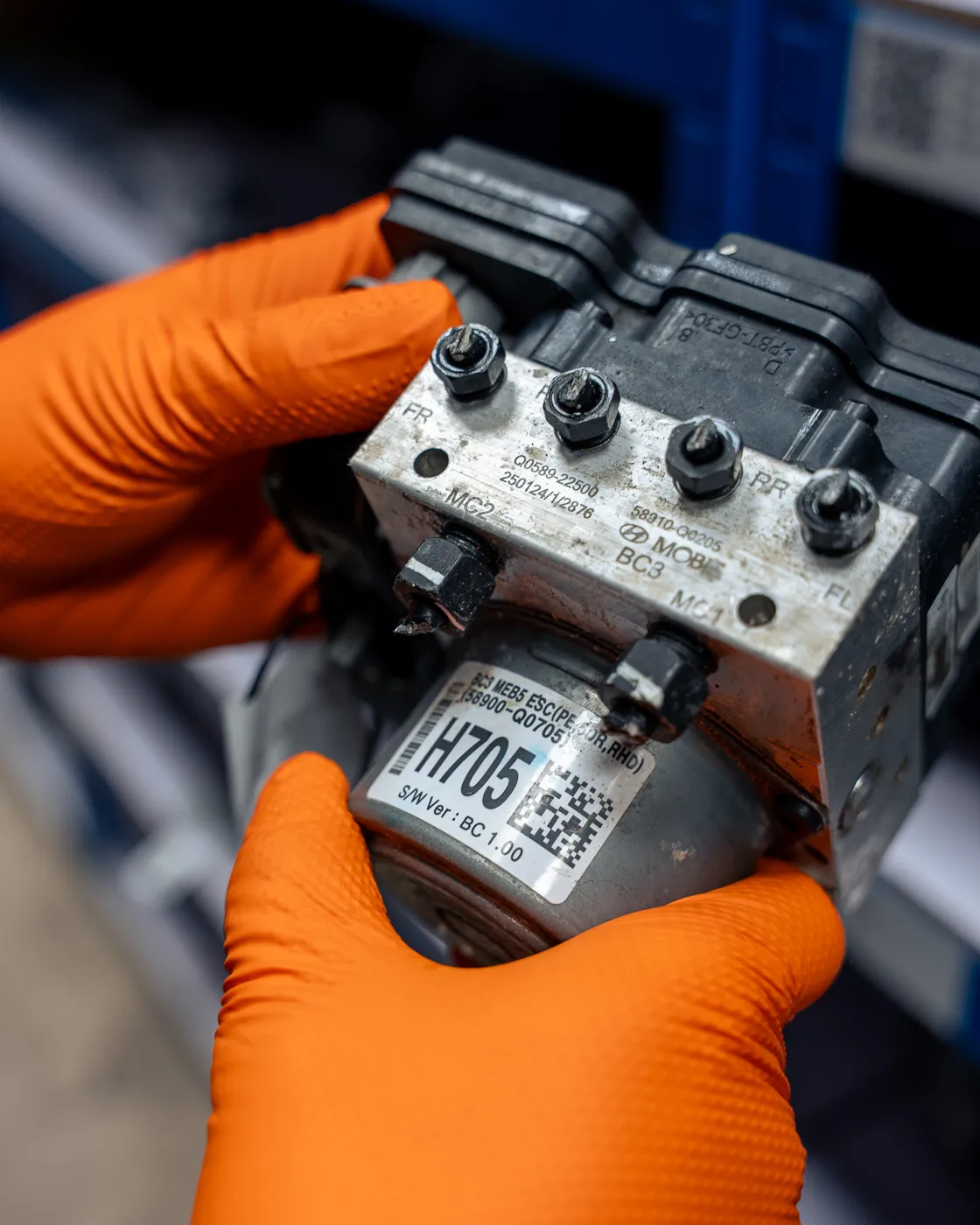
A label is an access key, not proof. It does not by itself verify identity, condition or compatibility. Those claims need evidence in the record and an appropriate checking process.
4. Separate observed condition from assumptions
Record what the team can observe and what has actually been tested. Photograph the complete part, its identifier, connectors or mounting points and any visible damage. Use consistent condition terms, but retain specific notes rather than relying only on labels such as “good” or “used”.
- State whether a function was tested and what that test covered.
- Record visible defects, repairs, corrosion, contamination or missing items.
- Distinguish a manufacturer reference from a number copied from another seller.
- Keep compatibility claims tied to reliable catalogue, manufacturer or vehicle evidence.
If the evidence is incomplete, make that limitation clear. A record that says what is unknown is more useful than a confident description that cannot be supported.
5. Record both location and workflow status
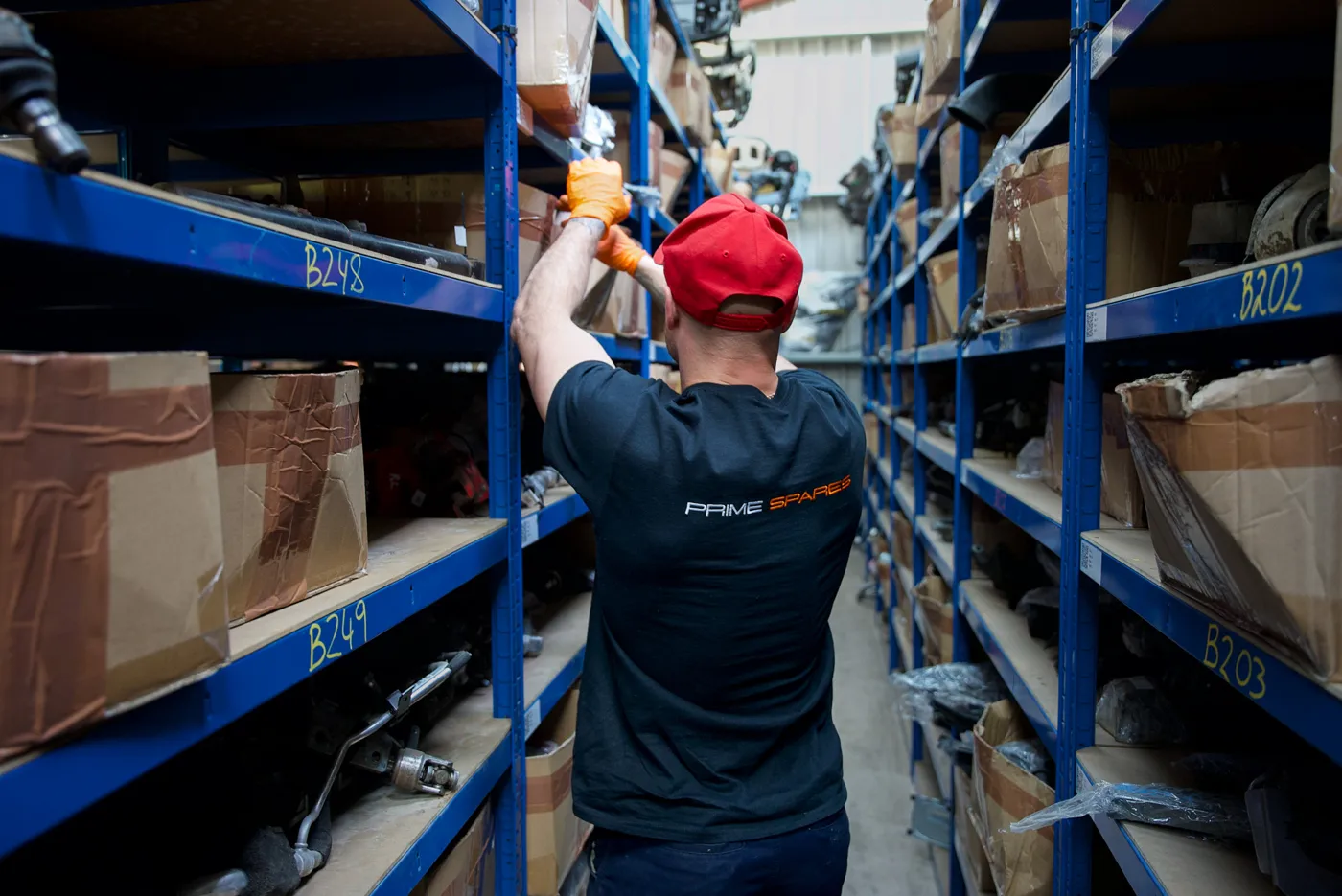
A warehouse location tells the team where to look; a workflow status tells them whether the item is ready to sell or move. Use defined location fields such as building, aisle, rack, shelf or bin, and update the record when the part moves. Avoid putting temporary instructions into the location field.
Useful statuses may include awaiting identification, awaiting check, photography required, ready to list, listed, reserved, sold, dispatched, returned and quarantined. Choose statuses that match the real operation and define who is allowed to change them.
6. Build listings from the maintained record
Use the internal record as the reference when a listing is prepared for a supported sales channel. Check the title, part number, condition, images, compatibility evidence, price and available quantity before publication. For single-quantity items, the stock status needs particular attention when more than one sales channel is involved.
No system removes the need for catalogue checks. Channel rules, restricted-product policies and data requirements can change, and a product accepted on one channel may not be suitable on another. Keep the maintained stock record separate from assumptions about universal integrations or automatic acceptance.
7. Connect the order to the picked and dispatched part
When an order arrives, the team should be able to trace the ordered listing to the SKU and physical location, confirm the picked item, record dispatch and retain the relevant tracking reference. If another part is substituted, that decision should be visible rather than silently overwriting the original record.
For Prime Marketplace orders, sellers can retain stock and dispatch from their own premises. Seller funds are released after courier tracking confirms delivery. Fulfilment is optional and separately charged. The written seller and service arrangements remain the reference for responsibilities and charges.
8. Keep returns and exceptions attached to the history
A return should not erase the original sale or turn immediately into available stock. Record the order reference, return reason, received condition, evidence reviewed, inspection outcome and the agreed next status. Quarantine the item in the workflow where identity, safety or condition is unresolved.
Different return reasons require different handling. Keep communication, postage, inspection, refund and restocking decisions in the agreed operational process rather than applying one blanket outcome.
9. Record costs and recoveries without turning estimates into results
Connect relevant purchase costs, vehicle-level expenses, parts sales, shipping, refunds and other recorded costs to the job where the system and accounting process allow. Keep estimated values separate from completed sales and actual expenses. Unsold listings, asking prices and scrap estimates are not realised revenue.
A connected record can support operational review, but it is not a profit guarantee or a replacement for accounting records. Reconcile the information with the business’s finance process before relying on it for decisions.
10. Review the exceptions, not only the totals
Regularly check records that are missing a location, have no usable image, lack an identifier, remain in a temporary status or show a quantity conflict. These exception lists often reveal the points where the physical workflow and digital record have separated.
Assign an owner and a next action to each exception. The aim is a record the team can act on, not a dashboard that simply reports that a problem exists.
Prepare one real workflow for a demonstration
A tailored software demonstration is most useful when it follows a real example rather than a generic tour. Bring:
- One recent donor vehicle or dismantling job
- One representative recovered part and its identifiers
- The SKU, label format and stock location structure you currently use
- One listing or catalogue question
- One order, return or recorded-cost scenario your team needs to trace
Prime can then show where Prime Yard may fit the process and identify which fields, statuses, equipment and onboarding steps need confirming. A demonstration is not a promise that every existing system, data source or sales channel can be connected.
Your questions, answered
What should a dismantler record for each recovered part?
Use a stable SKU and record the donor vehicle or source, part or OEM reference, condition, photographs, tested status where relevant, stock location and current workflow status. Record compatibility only where it is supported by reliable evidence.
Does a QR label prove that a part is compatible?
No. A QR label helps retrieve the correct internal record. It does not prove part identity, condition or vehicle compatibility; those claims need their own supporting evidence.
What should I bring to a Prime Yard demonstration?
Bring one recent donor vehicle or dismantling job, one representative recovered part, the SKU or label and stock location you use, and one real question about an order, return or recorded cost.