M3 · Prime Yard

Software for your
automotive parts operation.

Keep vehicle and part records, QR identification, photographs, listing workflow, orders and returns connected. For your own team, at your own operation.

Prime Fox brand illustration
Prime Fox · our brand mascot

Sign up free and we’ll send your login details. Connect your eBay account and get started. Prime Academy and in-app tutorials guide you through the steps, with help by phone or Google Meet when you need it. No paid training package is required.

Sign up free

PRIME YARD · THE SYSTEM BEHIND THE WORK

Your stock. Your costs.
A clearer view of the business.

Practical software for the decisions and handovers that happen every day.

Show me the system ↗

Vehicle financial visibility

VEHICLE FINANCIAL VIEW · ILLUSTRATION
Parts salesRevenue
Purchase + recorded costs− Costs
Understand the vehicle result
FeesShippingVAT amountsScrap records

Know what each vehicle is earning.

Bring purchase price, parts sales, shipping and recorded expenses together. See net, VAT and gross amounts in supported billing workflows.

Explore the detail

Stock traceability

PART RECORDQR · SKU · Vehicle
Vehicle→Part→Location

Keep physical stock and records together.

Connect QR / SKU identification, donor-vehicle information and warehouse locations. Give the next person the context they need.

Explore the detail

Prime Intelligence

COMPARABLE LISTINGS
Low
Average
High
Asking-price range · illustration

Price with market context.

Review comparable listings and saved vehicle or part research. See the range of asking prices before making your own pricing decision.

Explore the detail

Dismantling control

To do In progress Completed

Make dismantling progress visible.

Follow jobs and item statuses from work waiting to work completed, with parts and history linked back to the vehicle.

Explore the detail

eBay listing automation

90DAY LISTING REFRESH

Let Prime handle the repeated relisting.

Automatically end and relist eligible ageing eBay listings when refresh is enabled. Track progress and the link between the old and new listing.

Explore the detail

Orders, returns & recovery

Order→Dispatch↔Return

Follow the sale beyond the listing.

Keep order, fulfilment and return information available to the team. Track waste and scrap recovery in their own records.

Explore the detail
Bring one vehicle, one part or one real question.

We’ll walk through the relevant screens and confirm the right setup for your business.

Book your software demo ↗

Diagrams illustrate the workflow. Features, integrations and research credits are confirmed for your setup. Financial results depend on recorded transactions and costs.

Read the vehicle and parts records workflow guide (English) →

THE OPERATION, OPENED UP

A working warehouse.
Every stage connected.

Follow the work from a vehicle arriving to a part leaving the warehouse. Choose a stage to see the people, process and records behind it.

WORKFLOW ILLUSTRATION
VehicleJobParts

One connected record.
Ready for the next stage.

STAGE 01 / 07

Start with the vehicle. Keep its story.

Record the vehicle and the work agreed with the client before processing starts. Its identity gives the team a reference to follow through dismantling and stock handling.

  • Vehicle details & reference
  • Arrival and job status
  • Agreed processing work
See this workflow in a demo
Prime Spares team member dismantling a vehicle
Inside Prime · Uddingston

STAGE 02 / 07

Turn the job into visible work.

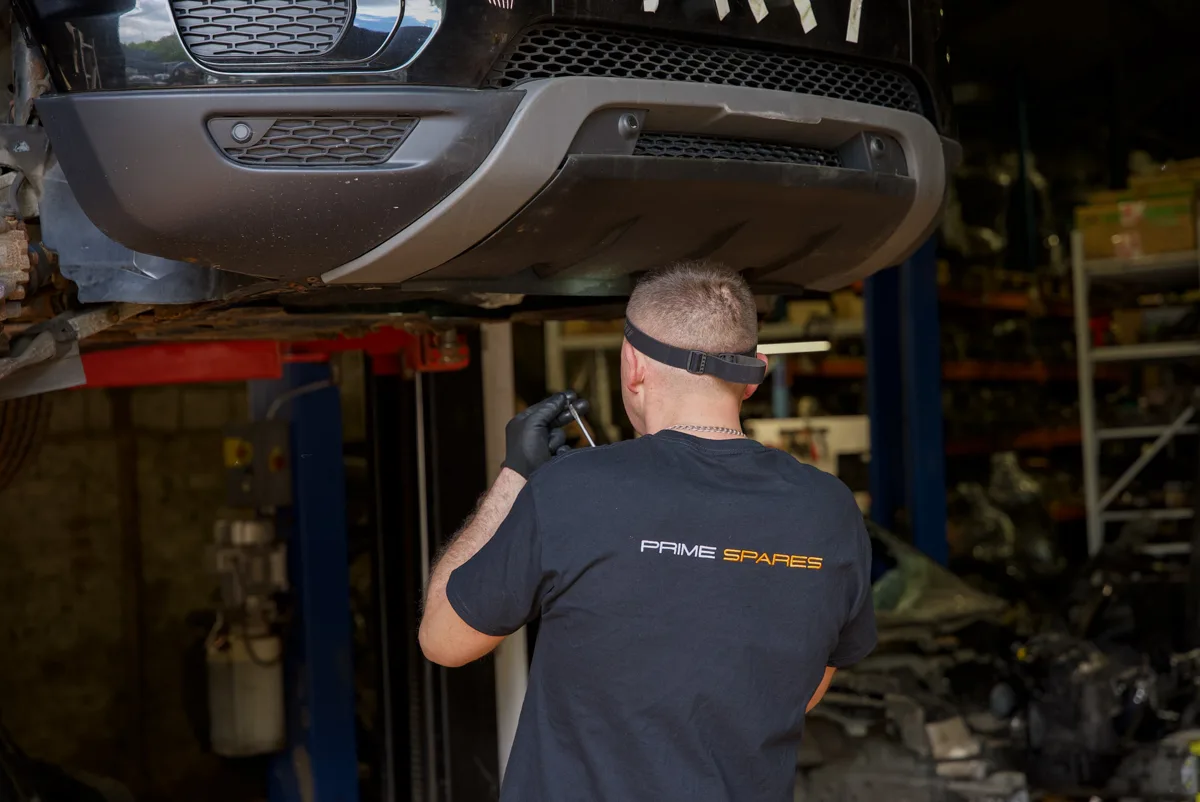
Organise dismantling tasks around the vehicle. Staff can follow job and item progress, record the parts recovered and see what still needs attention.

  • Jobs and individual tasks
  • Progress and status history
  • Recovered parts linked to the vehicle
See this workflow in a demo
Prime Spares staff member holding a part with an identification label
Inside Prime · Uddingston

STAGE 03 / 07

Give every part a place in the system.

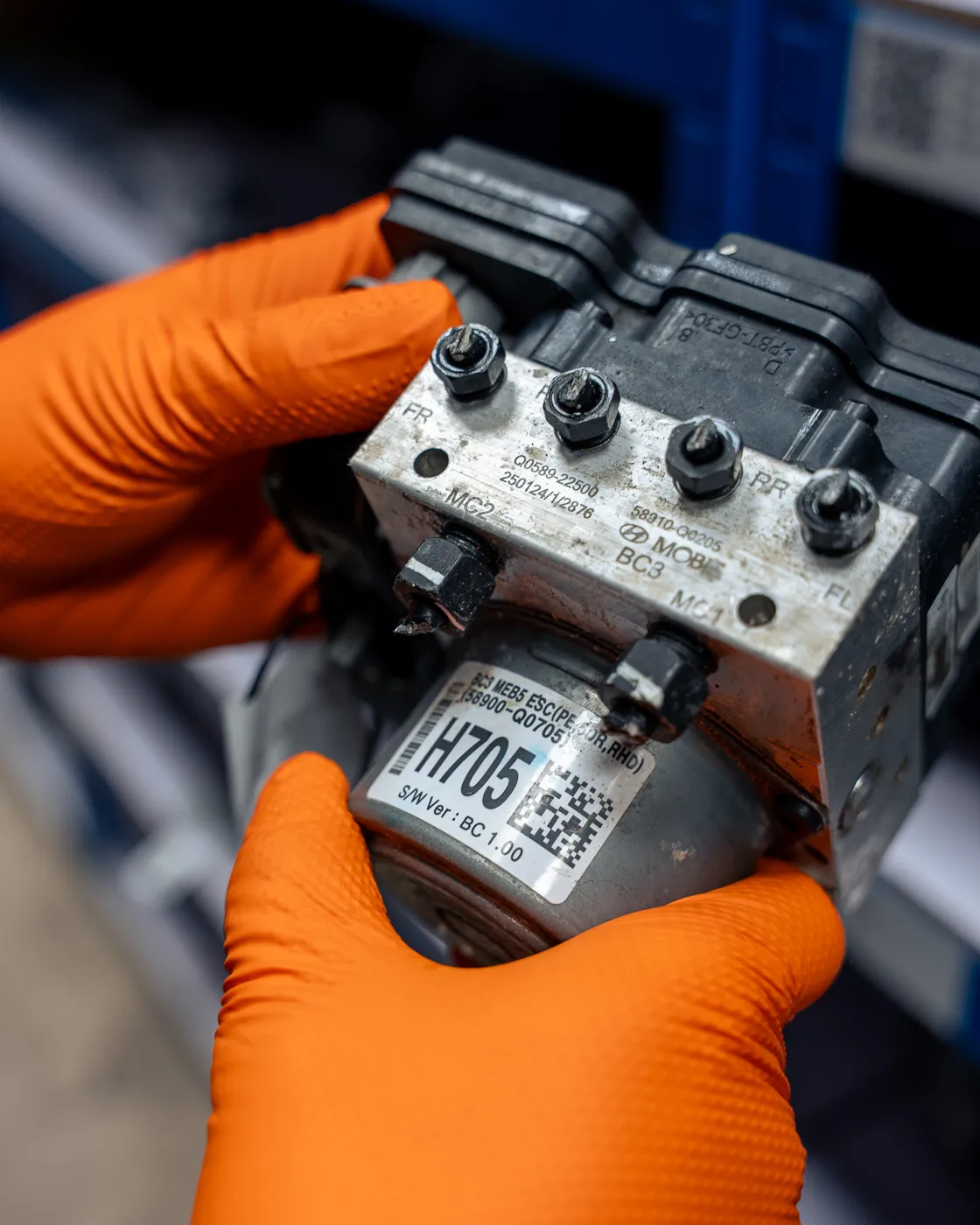
QR and SKU identification connect the physical part with its record. Vehicle context, part details and warehouse information help the next person continue the work.

  • QR / SKU identification
  • Part and donor-vehicle context
  • Warehouse location information
See this workflow in a demo
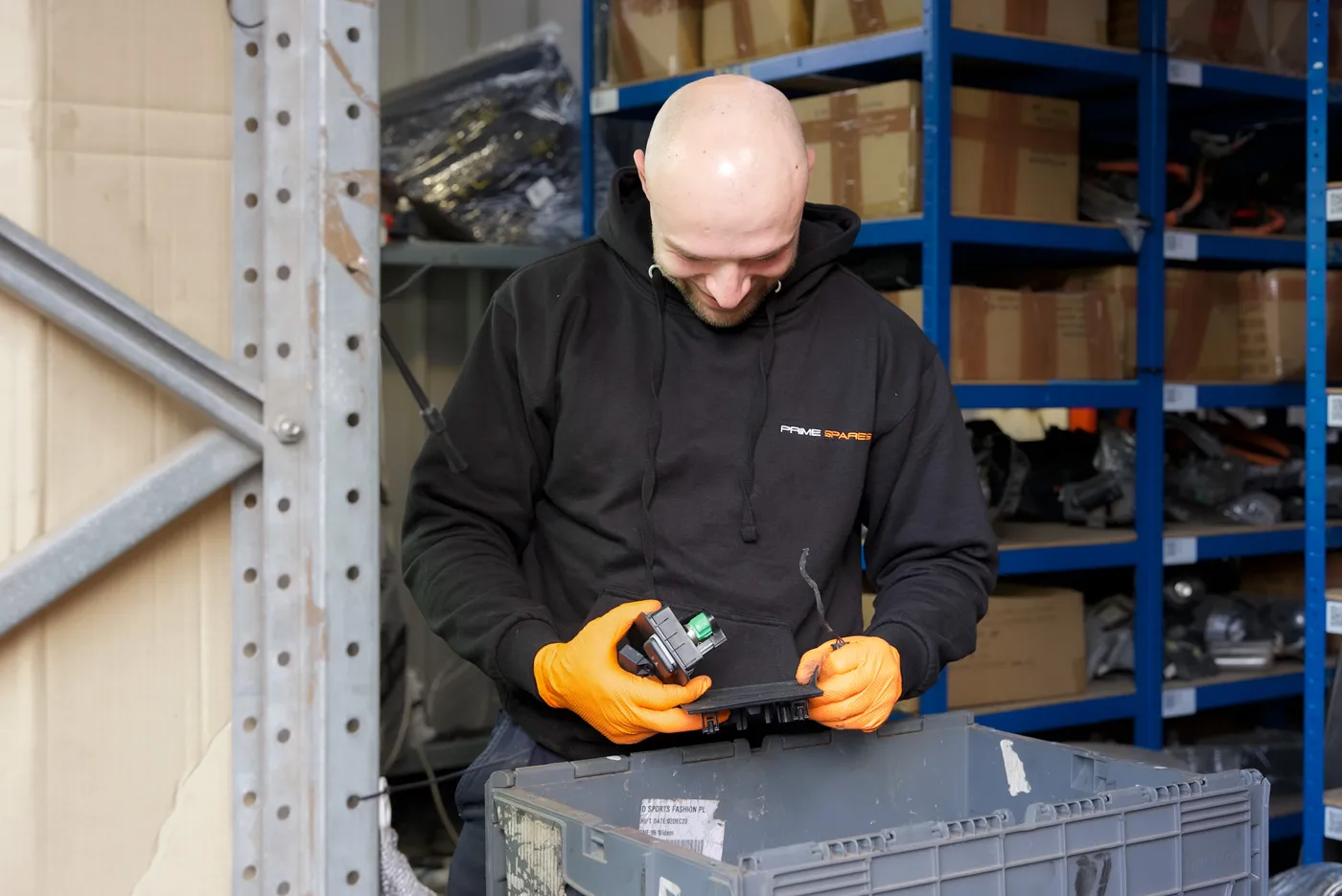
Prime Spares team member inspecting an automotive part
Inside Prime · Uddingston

STAGE 04 / 07

Show buyers the part they are choosing.

Prepare the part, record its condition and add useful photographs. Clear part information travels with the listing workflow and helps staff answer buyer questions.

  • Preparation and condition information
  • Part photographs
  • Details for the listing workflow
See this workflow in a demo
WORKFLOW ILLUSTRATION
Part recordListingSales channel

One connected record.
Ready for the next stage.

STAGE 05 / 07

Bring stock to the selling channels.

Work from the part record through the listing process. Use comparable listings to support pricing decisions, and automate 90-day refreshes for eligible old eBay listings.

  • Listing details and photographs
  • Prime Intelligence market comparisons
  • Automatic refresh when enabled
See this workflow in a demo
Prime Spares team member picking a part from warehouse shelving
Inside Prime · Uddingston

STAGE 06 / 07

Find the right part when the order comes.

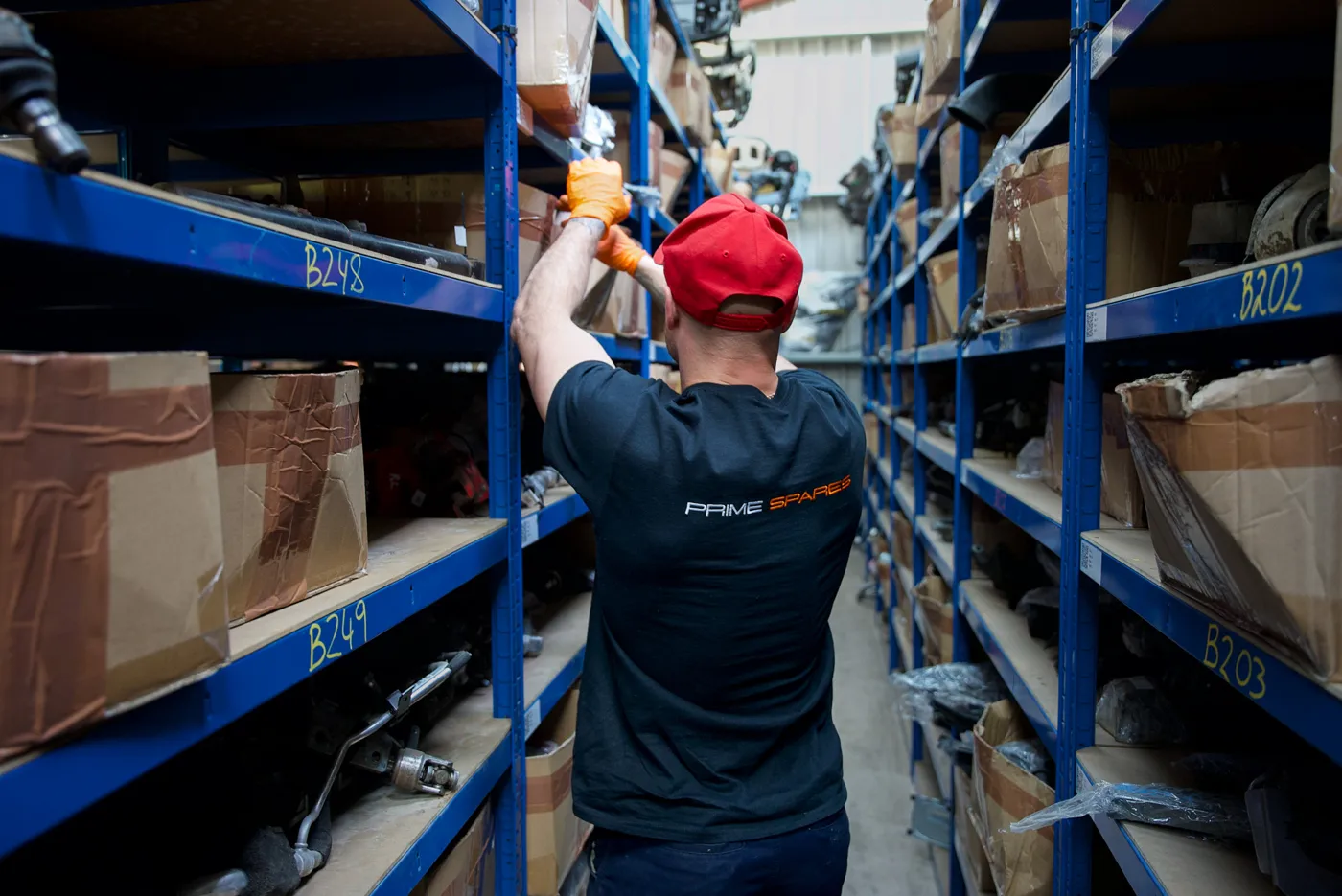
Keep warehouse information connected to stock. Once an order needs fulfilling, the team uses the part and location information to find and prepare it.

  • Stock and storage information
  • Order-linked picking
  • The right part prepared for packing
See this workflow in a demo
Prime Spares team member carrying a packed parcel
Inside Prime · Uddingston

STAGE 07 / 07

Finish the journey with dispatch.

Pack the part for the agreed delivery, record fulfilment and follow the order. Sales and recorded costs feed the financial picture; returns and scrap recovery have their own records.

  • Packing and dispatch workflow
  • Order and fulfilment information
  • Sales, returns and recorded costs
See this workflow in a demo

Choose the support you need. Fulfilment clients can join with ready-to-store parts; marketplace-only sellers hold and dispatch their own stock. Services are agreed before work starts.

Walk through your operation ↗

Plans & joining offer

Two software months free from go-live.

Two software months free from go-live; extensions agreed in writing. Equipment and other services are charged separately.

PlanPrice before VATUsers / sitesParts
Yard Starter£199/month2 users · 1 site5,000 parts
Yard Pro£499/month5 users · 2 sites20,000 parts
Enterprise£999/month10 users · 4 sites50,000 parts

Additional users: £15/month before VAT. Parts overage: Starter £0.03/part; Pro £0.02/part; Enterprise by quotation. Overage arrangements and site upgrades are confirmed in your written proposal.

Equipment is optional

Use your own, rent or buy.

OptionPrice + VAT
Use compatible printer & scannerNo equipment purchase required
Rent Operational Kit + QR Printer£99/month from day one
Buy Operational Kit£599
Buy QR Labelling Printer£699
Additional Zebra ZD621 Printer Bundle£799/unit

We check the compatibility of your existing printer and scanner. Rental starts on day one; the software offer does not include free equipment rental. Rental ends on 30 days’ notice with equipment returned; missing or damaged equipment is charged at repair or replacement cost.

A useful demonstration

Bring your current workflow.

Tell us how you identify, store, list and dispatch parts today. We’ll focus the demonstration on the work you want to improve.

Can I use marketplace and software together?

Yes. Select both on the joining form. M1 marketplace charges are separate from the M3 software subscription.

Do I have to buy equipment?

No, if your printer and scanner are compatible. Share their makes and models so we can check.

When does the free software period start?

From the agreed go-live date. Any extension and the first paid subscription date are confirmed in writing.

Your next step

Let’s find your fit.

Tell us what you sell and what you need help with. We’ll explain the suitable services and agree the next steps.

No minimum commitment. Leave any model with 30 days’ notice. Applicable sales and service charges remain payable.