M1
Marketplace
Sell new, OEM and used parts
Add Prime as a sales channel while you hold your stock and dispatch orders.
Subscription waived initially
Explore MarketplaceBuilt in Scotland · for automotive parts businesses
A specialist marketplace, UK fulfilment and practical software for new, OEM and used automotive parts. Choose the support your business needs.
PRIME MARKETPLACE
Free to join. Free to list.No long-term commitment.
8% commission + £0.30 per order apply from the first sale. Leave with 30 days’ notice. Marketplace subscription waived initially; after sales exceed £1,000 in one month, we discuss and agree a subscription before charging. Other services and sales-channel fees are separate.
M4 · Business Partner Program
Your stock. Your decisions. Our warehouse.
You buy and own the vehicles and parts. Prime runs the agreed physical operation while you manage your business through your partner dashboard.
Start with a vehicle. Discuss your budget and vehicle choices with Prime. You decide what to buy and own the stock.
We put the operation to work. Prime handles agreed dismantling, checks, photography, listing and storage.
You stay in control. Set marketplace prices and clearance offers from your phone or computer.
Orders become deliveries. Prime handles agreed picking, packing, dispatch and returns while you follow progress online.
See the whole business. Monitor stock, recorded costs, vehicle performance and payouts. Use that view to plan your next move.
Prime’s guidance, from your first vehicle to the day-to-day operation.
How it works · illustration. Service scope and charges are agreed before you start.
One business. Four ways to work together.
Marketplace
Add Prime as a sales channel while you hold your stock and dispatch orders.
Subscription waived initially
Explore Marketplace
Fulfilment & storage
Receiving, storage, pick & pack and dispatch for automotive parts businesses.
Storage from £2/bin/week + VAT
Explore Fulfilment & storage
Prime Yard software
Vehicle and part records, QR identification, listing workflow, orders and returns.
Two software months free from go-live
Explore Prime Yard software
Business Partner Program
You retain your vehicles and stock. Prime manages the services you agree.
Service-based pricing
Explore Business Partner ProgramPRIME YARD · THE SYSTEM BEHIND THE WORK
Practical software for the decisions and handovers that happen every day.
Show me the system ↗Vehicle financial visibility
Bring purchase price, parts sales, shipping and recorded expenses together. See net, VAT and gross amounts in supported billing workflows.
Explore the detailStock traceability
Connect QR / SKU identification, donor-vehicle information and warehouse locations. Give the next person the context they need.
Explore the detailPrime Intelligence
Review comparable listings and saved vehicle or part research. See the range of asking prices before making your own pricing decision.
Explore the detailDismantling control
Follow jobs and item statuses from work waiting to work completed, with parts and history linked back to the vehicle.
Explore the detaileBay listing automation
Automatically end and relist eligible ageing eBay listings when refresh is enabled. Track progress and the link between the old and new listing.
Explore the detailOrders, returns & recovery
Keep order, fulfilment and return information available to the team. Track waste and scrap recovery in their own records.
Explore the detailWe’ll walk through the relevant screens and confirm the right setup for your business.
Diagrams illustrate the workflow. Features, integrations and research credits are confirmed for your setup. Financial results depend on recorded transactions and costs.
THE OPERATION, OPENED UP
Follow the work from a vehicle arriving to a part leaving the warehouse. Choose a stage to see the people, process and records behind it.
One connected record.
Ready for the next stage.
STAGE 01 / 07
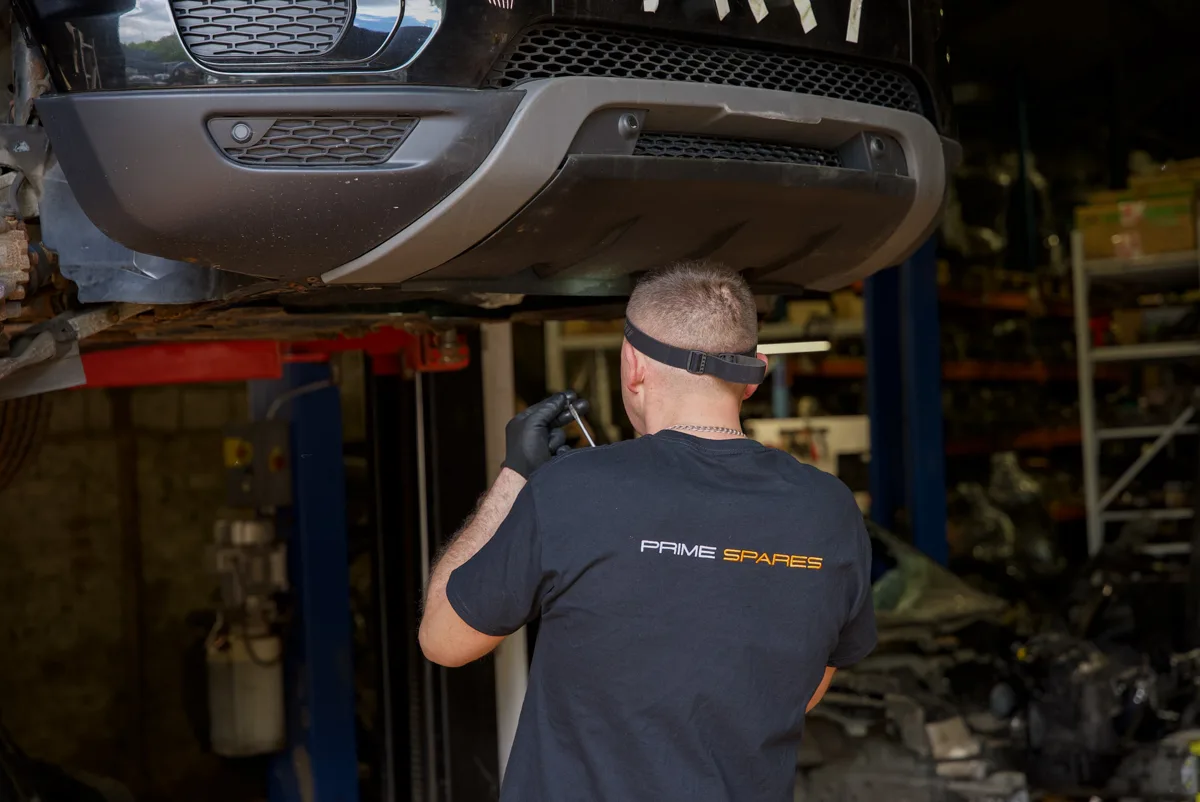
Record the vehicle and the work agreed with the client before processing starts. Its identity gives the team a reference to follow through dismantling and stock handling.
STAGE 02 / 07
Organise dismantling tasks around the vehicle. Staff can follow job and item progress, record the parts recovered and see what still needs attention.
STAGE 03 / 07
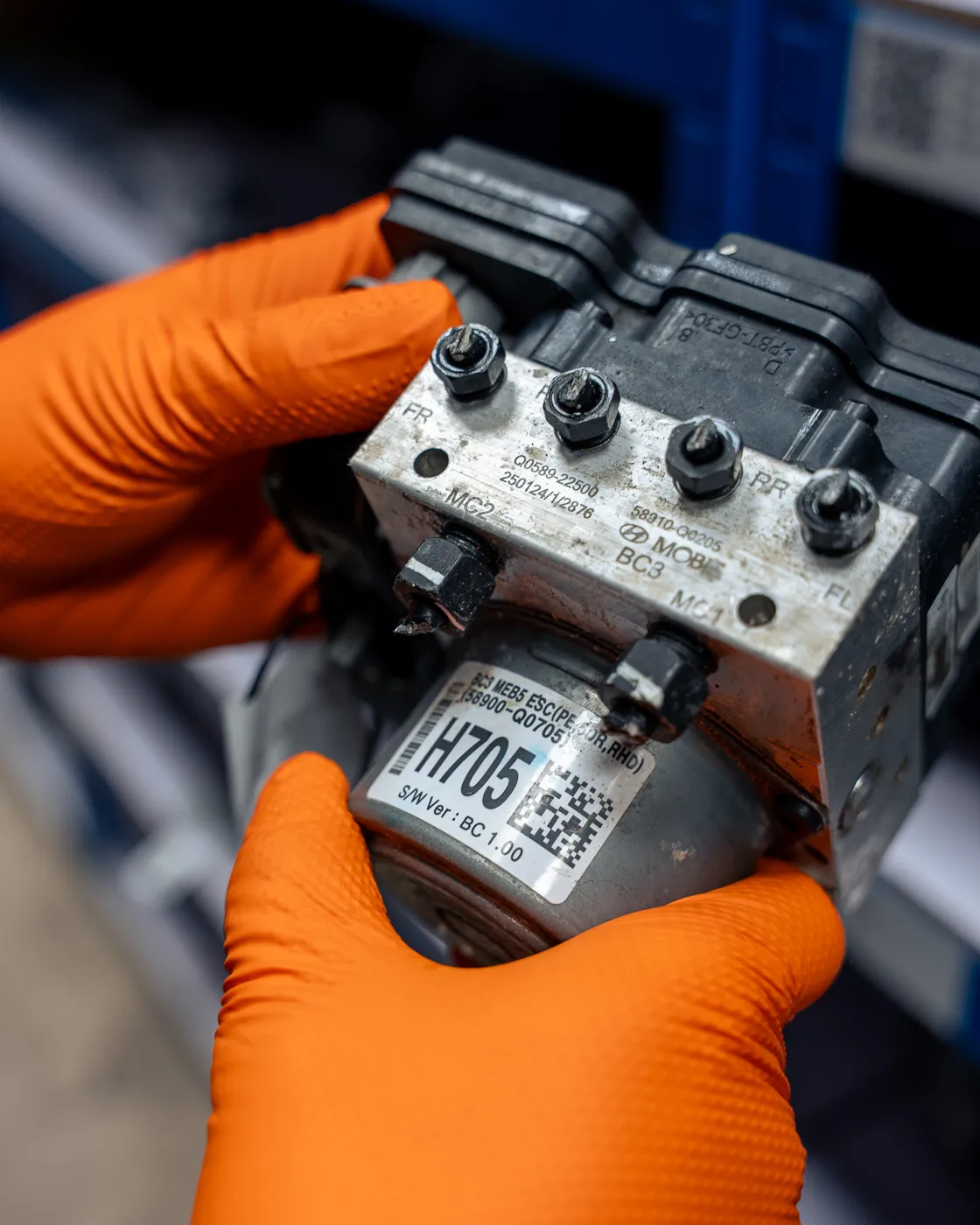
QR and SKU identification connect the physical part with its record. Vehicle context, part details and warehouse information help the next person continue the work.
STAGE 04 / 07
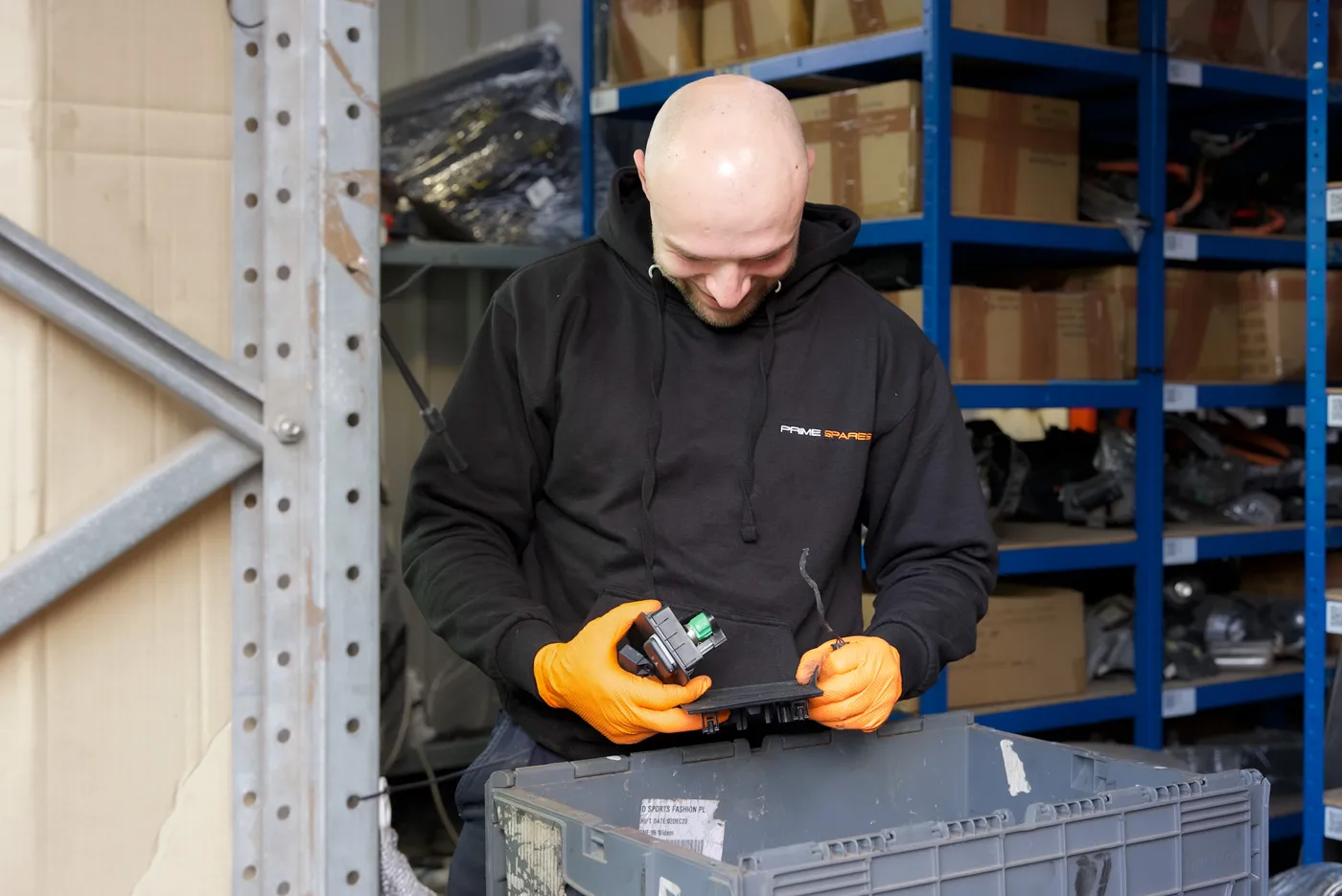
Prepare the part, record its condition and add useful photographs. Clear part information travels with the listing workflow and helps staff answer buyer questions.
One connected record.
Ready for the next stage.
STAGE 05 / 07
Work from the part record through the listing process. Use comparable listings to support pricing decisions, and automate 90-day refreshes for eligible old eBay listings.
STAGE 06 / 07
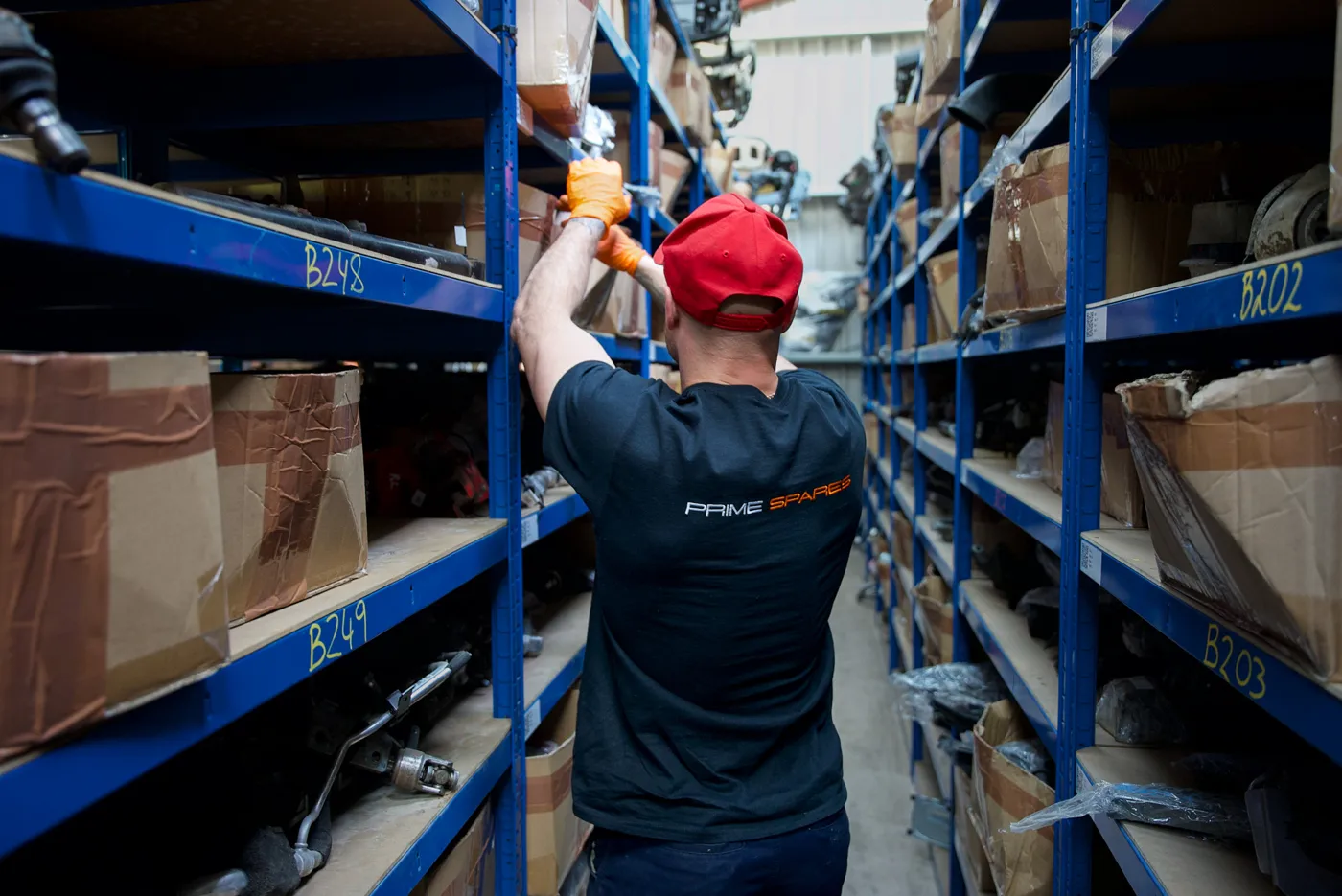
Keep warehouse information connected to stock. Once an order needs fulfilling, the team uses the part and location information to find and prepare it.

STAGE 07 / 07
Pack the part for the agreed delivery, record fulfilment and follow the order. Sales and recorded costs feed the financial picture; returns and scrap recovery have their own records.
Choose the support you need. Fulfilment clients can join with ready-to-store parts; marketplace-only sellers hold and dispatch their own stock. Services are agreed before work starts.
Walk through your operation ↗REAL PEOPLE. REAL PARTS. OUR OPERATION.
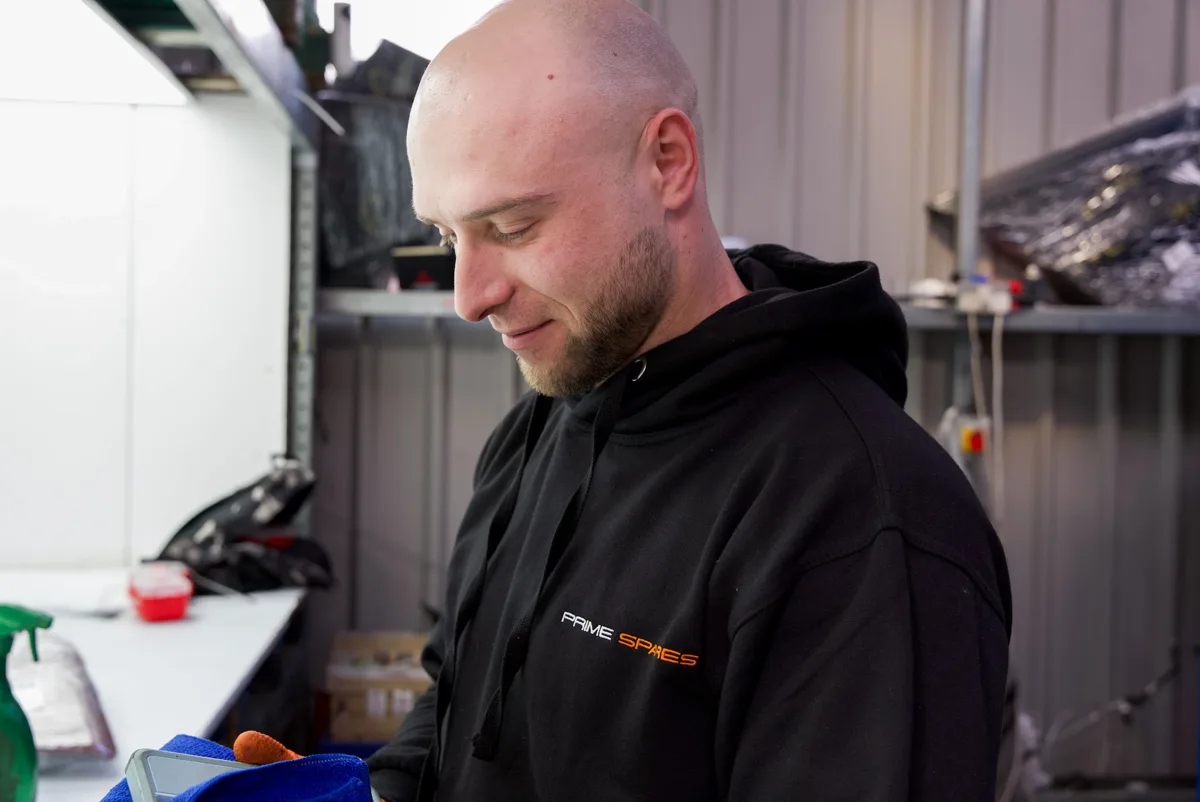

For the way you work
Add a marketplace channel, bring stock into a UK fulfilment operation, or explore software for your own team. We’ll confirm what fits your stock and existing processes.
Explore selling with Prime →Discuss the Business Partner Program: your vehicles and stock, with agreed operational services delivered by Prime. Start with your goals, budget and the responsibilities on each side.
Understand the partner program →Straightforward offers
Marketplace
The marketplace subscription is waived initially. An 8% sales commission and £0.30 processing fee per order apply from the first sale. Once sales exceed £1,000 in one month, we discuss a subscription package with you and agree it before charging.
Marketplace fees explained →Prime Yard
From your agreed go-live date. Trial extensions can be agreed in writing. Equipment rental is optional at £99 + VAT/month from day one, or use compatible equipment you already own.
Software plans and equipment →New and OEM suppliers
Talk to us about selling your range and the UK storage or dispatch support you need. Share your product categories, stock location and preferred contact details, including WeChat.
Discuss UK market access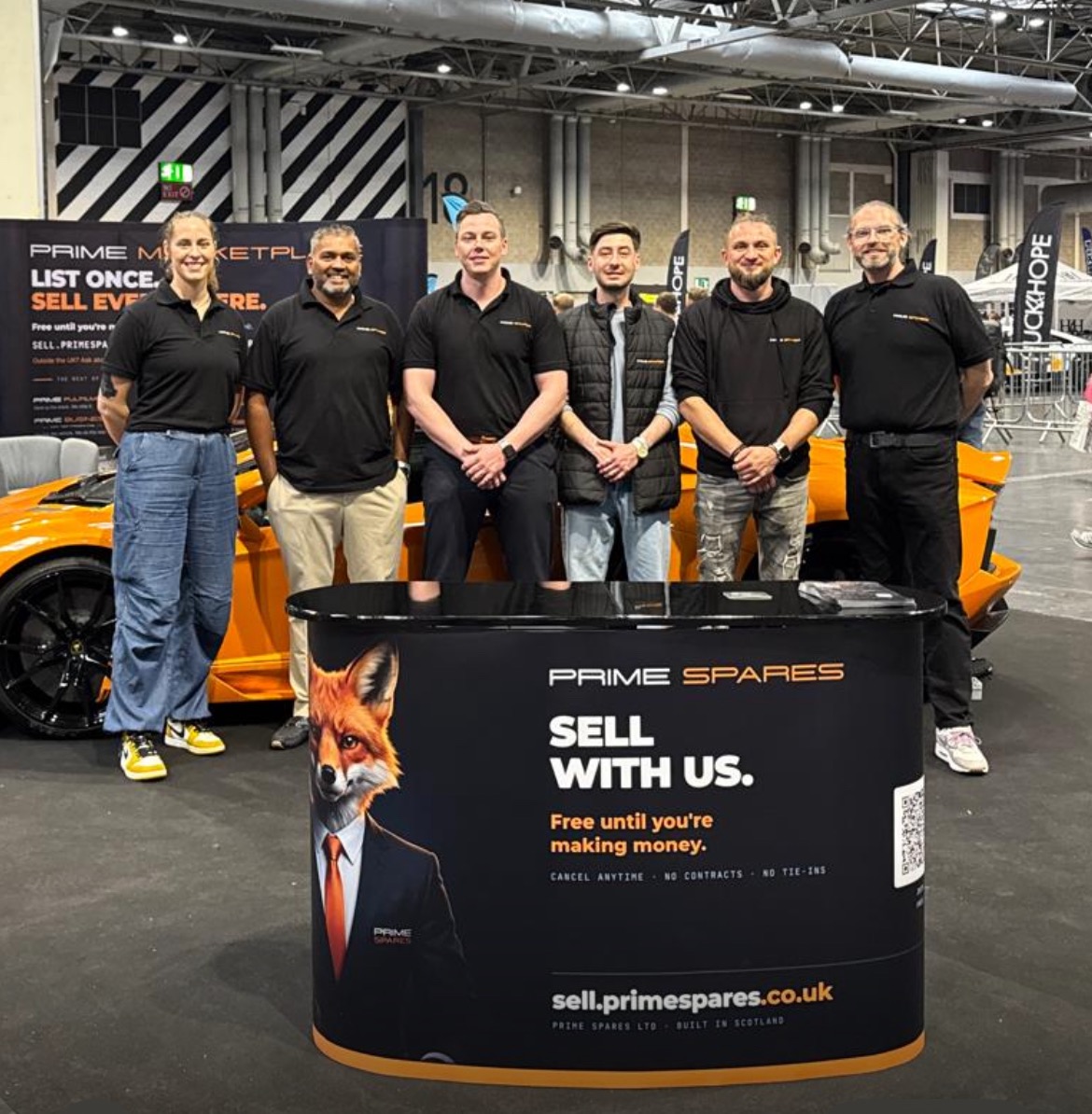
Prime at Gravity Show 2026
New parts sellers, accessories businesses and future business partners met the team. Demos were booked, and the conversations are still continuing.
We’re returning in 2027.
Read our Gravity storyYour next step
Tell us what you sell and what you need help with. We’ll explain the suitable services and agree the next steps.
No minimum commitment. Leave any model with 30 days’ notice. Applicable sales and service charges remain payable.